Applying the “7 Bags” Technique to Your Website Strategy
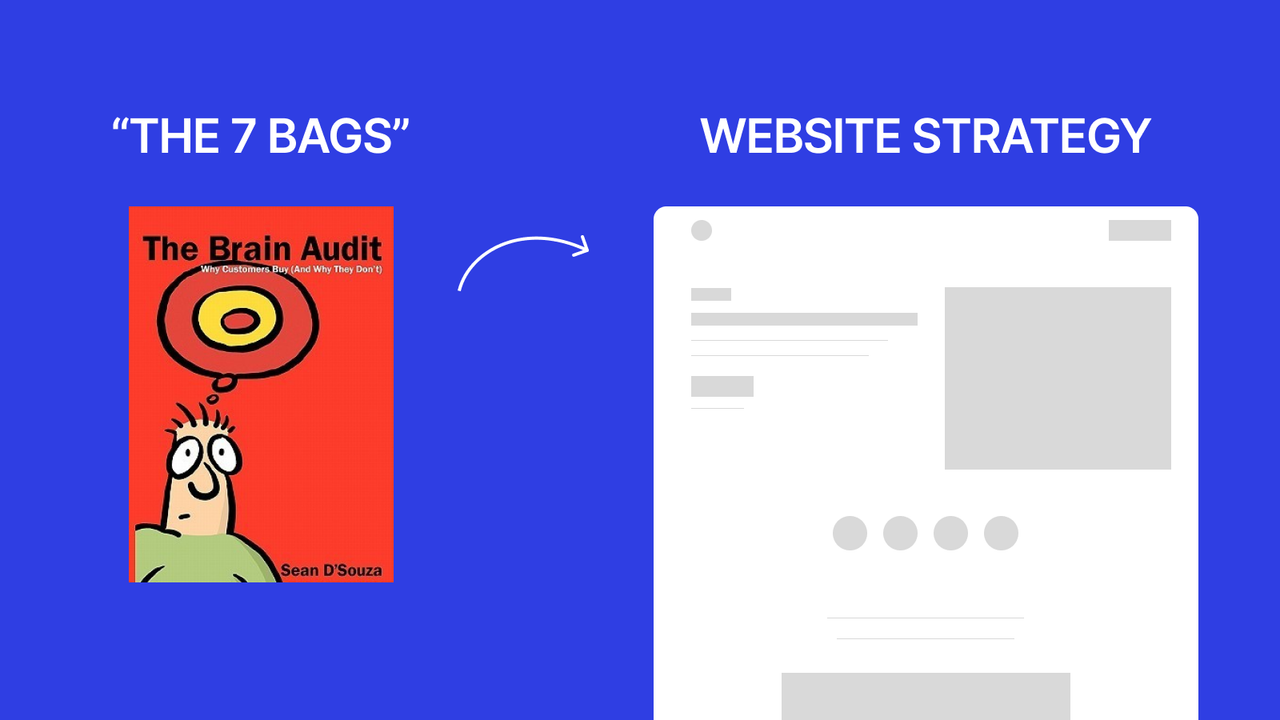
In the book The Brain Audit, a customer's buying decision is compared to unloading luggage from an airplane.
“We're not going anywhere until every last bag has come off the plane.”
Each bag is a “question in the customer's head” that must be answered first.
Once every bag has been unloaded → the customer feels at ease and ready to pay.
What are the 7 bags?
- The Problem
- The goal/Solution
- The Target Profile
- Proof
- Objections
- Risk Reversal
- Call to Action
How can you apply this to a website?
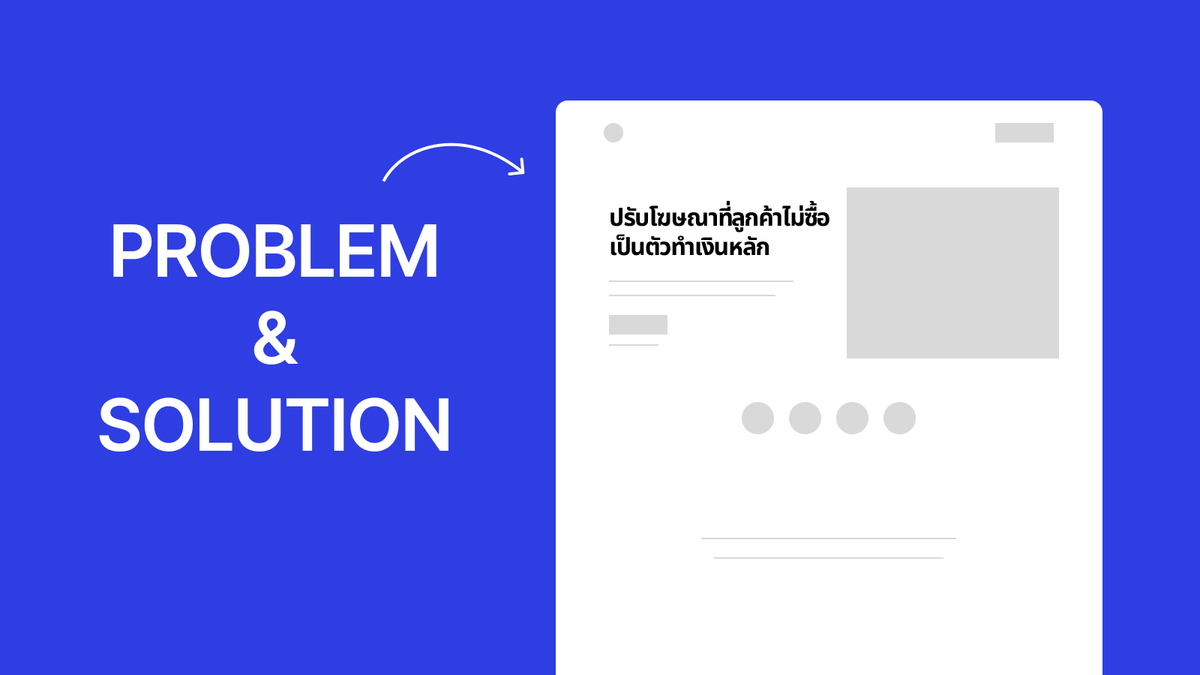
1. The Problem
Customers won't care if you don't address their problem first.
People buy because they want to escape a problem,
not because you're good.
So when you apply this to a website, you must:
Make the headline pinpoint the problem the customer is facing,
and use the same language the customer uses, e.g.
“Beautiful site but no one's reaching out?”
“Customers click the ad but don't buy?”
2. The Solution
After grabbing attention with the problem → quickly present the solution.
- State “what you do” and “the expected outcome”
- Don't overuse technical jargon — use tangible language
Example: “We design ads that hit the customer's decision points, to boost bookings and sales within 30 days.”
3. The Target Profile
You can't help everyone — choose clearly.
If you talk to everyone = no one knows you're talking to them.
Specify your target audience directly, e.g.
“For service businesses that want new customers from Google”
“For owners of clinics, restaurants, and salons”
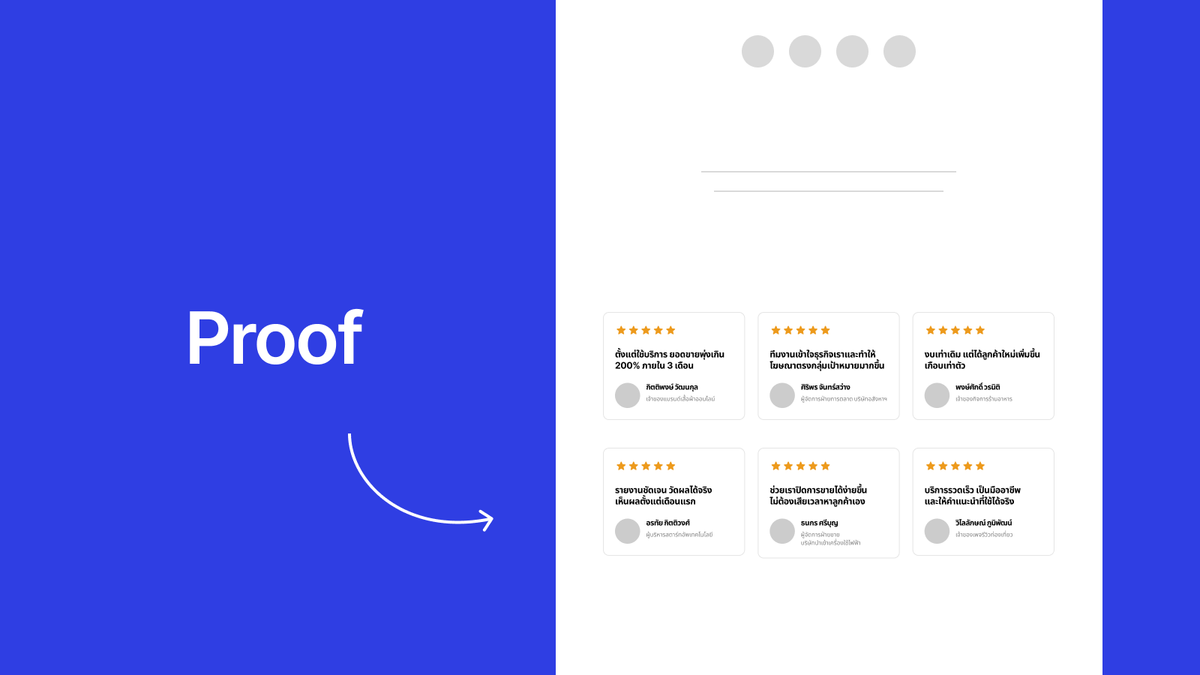
4. Proof
Don't just say it “works” — show that it works.
On a website you can show this with:
- Customer reviews (text / video)
- Numeric results (before/after)
- Logos of customers who've used your service
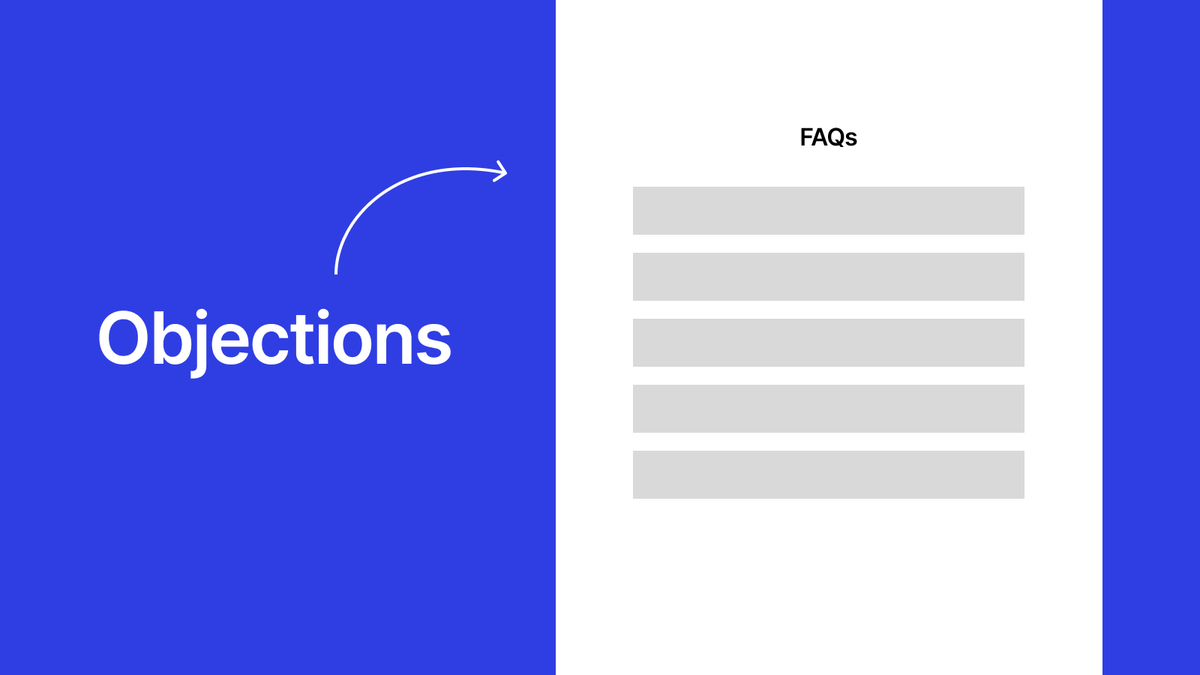
5. Objections
Customers always have questions in mind, like “Will it really work?” “Is it too expensive?”
So your website should answer the customer's worries in advance, using an FAQ or content that explains the risk points.
Questions worth answering up front:
- “Can you build the site if I have no content at all?”
- “How long does it take?”
- “If I'm not satisfied, are revisions included?”
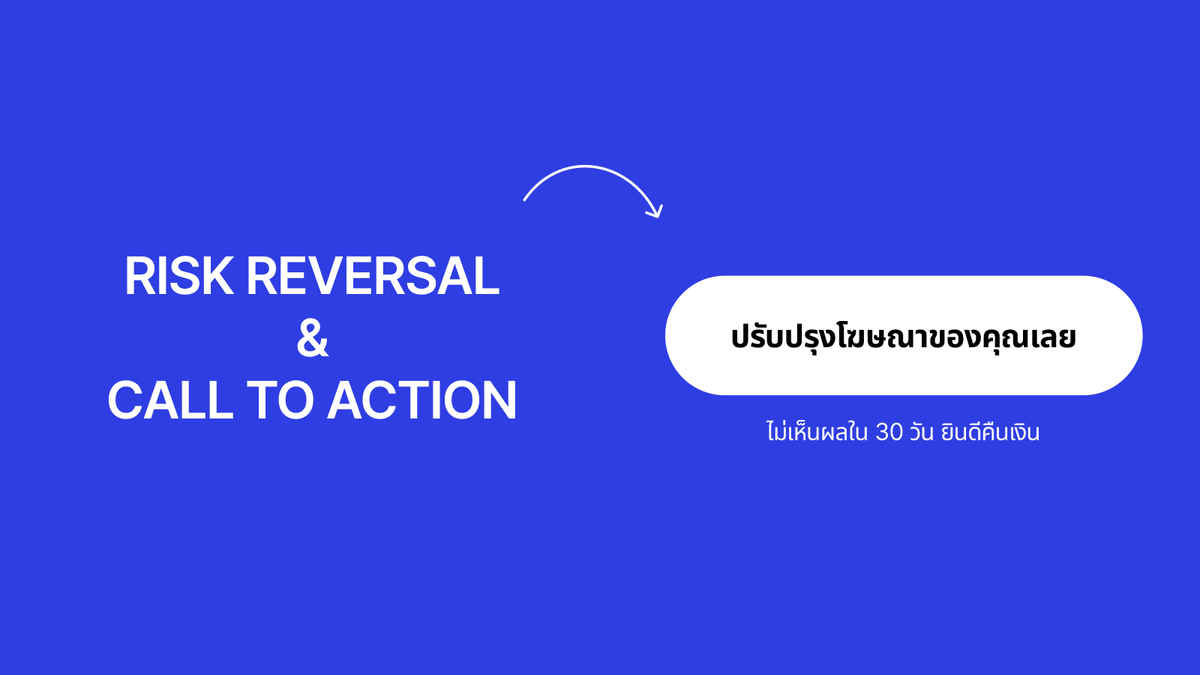
6. Risk Reversal
Customers will be bolder in deciding if they know there's still a way out.
Offer a guarantee, such as:
“If you don't see results within 60 days, full money back”
“2 free revision rounds included”
7. Call to Action (CTA)
If you don't tell them what to do next → they won't do anything.
The CTA button must be clear and match the viewer's intent,
and use outcome-focused button copy, like:
“Get free advice”
“Start turning your site into a sales machine”
An example of laying out the funnel on a website
(using the “7 bags”)
| Section | Content | Bag # |
|---|---|---|
| Hero | Problem headline + promised outcome | 1, 2 |
| Sub-section | Specific target audience | 3 |
| Proof Section | Customer reviews + real cases | 4 |
| FAQ | Answer worrying questions | 5 |
| Guarantee | State revision/refund terms | 6 |
| CTA | A “Get advice” button with what they'll get | 7 |
The 7 bags = a structure of trust
People don't decide to buy just because you have a good service.
They have to feel “at ease enough” before they'll part with their money.
The “7 bags” help you design a website that addresses every worry in the customer's head, and once every question in their mind is answered → the chance to sell opens wider than before.
If you'd like to align your website with these principles, we can analyze for free which “bag” your site is currently dropping, and where to reinforce it to close more sales.